
If your garage door remote has stopped working or you just got a new one, the good news is you can usually reset or program it in just a few steps. Knowing how to do this can save you time, money, and stress. Below, we’ll walk through the most common reasons remotes fail and the simple steps to get yours working again.
Common reasons your garage door remote stops working
Garage door remotes can fail for simple reasons. Most of the time, the issue isn’t the whole opener but something small like the remote itself.
Dead or weak batteries
Remote lost its programming after a power outage
Signal interference from nearby electronics
Remote is old or damaged
If you’ve checked the batteries and the door still won’t respond, it may be time to reset or reprogram the remote.
How to find the “Learn” button on your garage door opener
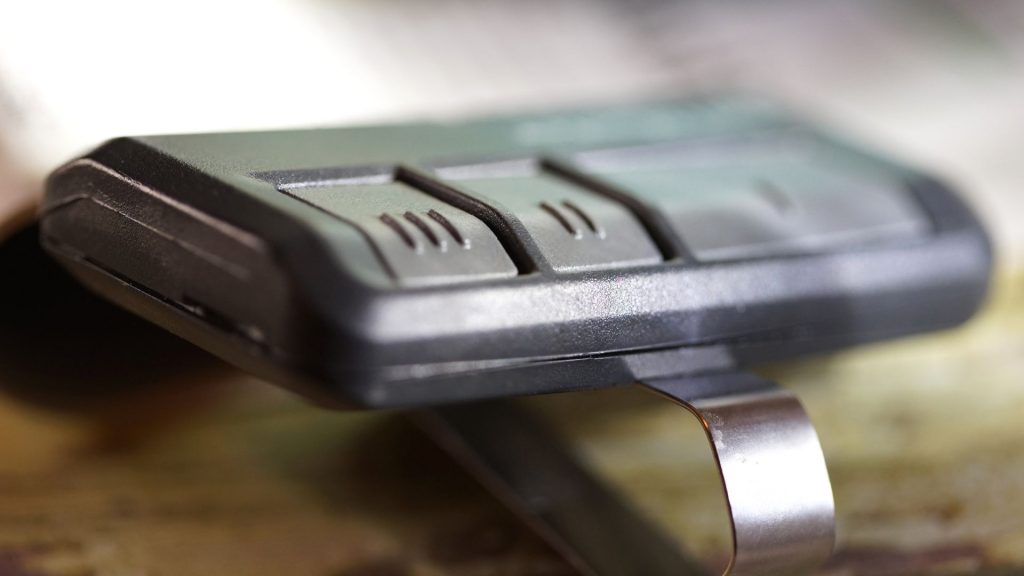
The “Learn” button is the key to programming your remote. It tells the opener to accept a new signal. Most openers have this button near the light cover or on the back of the unit.
Look for a colored button that may say “Learn” or “Set”
Colors vary by brand (yellow, purple, red, orange, or green)
You may need a step stool or ladder to reach it safely
Once you locate the “Learn” button, you’re ready to reset or program your remote.
Step by step guide to resetting your garage door remote
Resetting is simple and takes less than a minute. Here’s what to do:
Press and hold the “Learn” button until the light on the opener turns off. This clears all old codes.
Release the button and wait about 30 seconds.
Now, press and release the “Learn” button again. The opener light should blink, meaning it’s ready for programming.
Your opener is now reset and ready for you to program a new or existing remote.
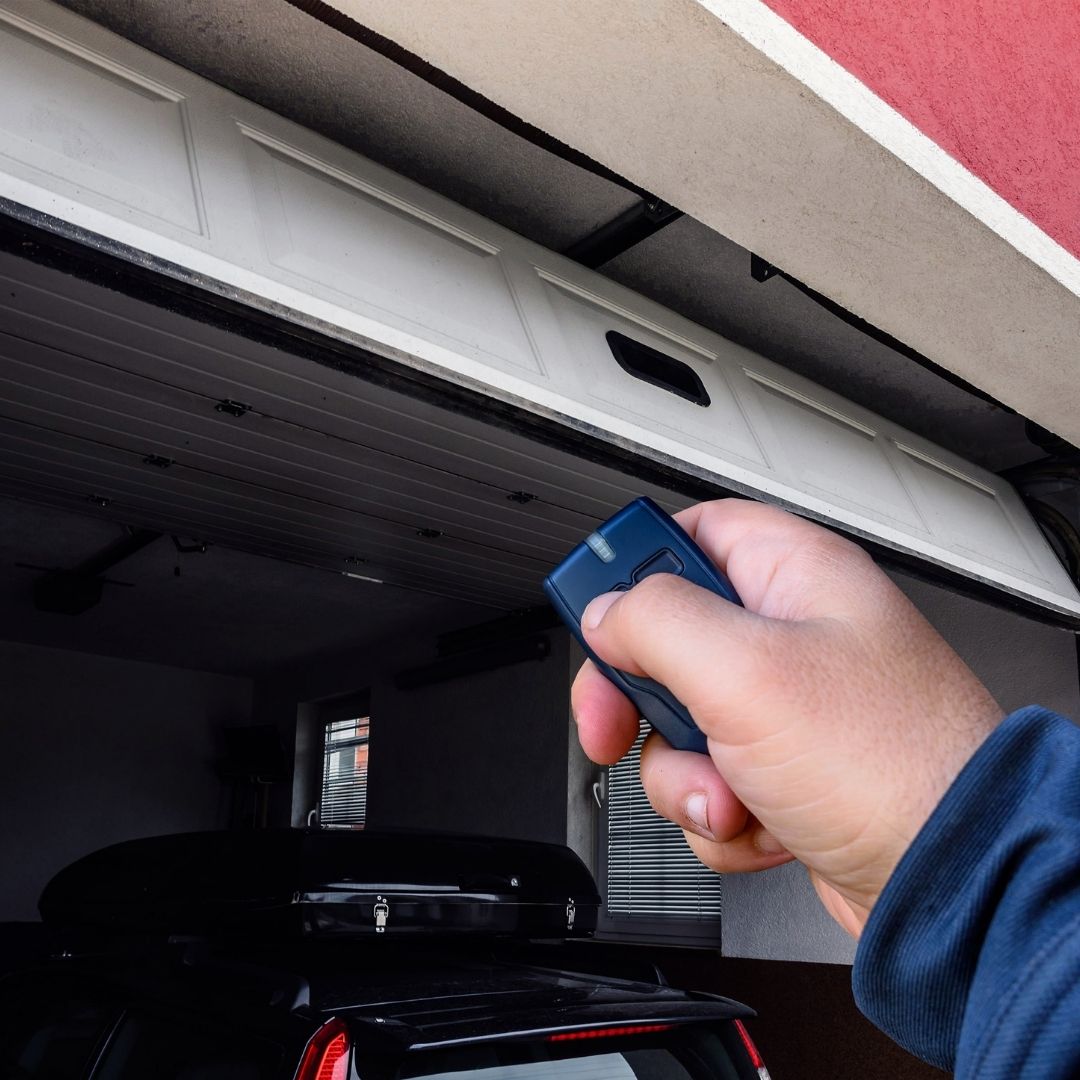
How to program a new garage door remote to your opener
Programming your remote is the next step after resetting.
Press the “Learn” button once and release it
Within 30 seconds, press the button on your remote you want to use
The garage light will flash or you may hear a click, which means it’s set
Now test the remote by pressing the button. Your garage door should open or close smoothly.
How to clear old codes from your garage door system
If you lose a remote or want to keep your garage secure, clearing old codes is important. Holding the “Learn” button for about 10–15 seconds erases every remote programmed to the opener. This protects your home if a remote was lost or stolen. Once cleared, you’ll need to reprogram the remotes you still use.
Conclusion
Resetting or programming your garage door remote is quick and easy once you know where the “Learn” button is and how to use it. Whether you’re fixing a remote that stopped working or adding a new one, these steps keep your garage secure and working smoothly. If the process doesn’t work or your opener is outdated, it may be time to call True Garage Door for professional help.


